verstak

Kling AI inside Verstak

Kling V3 / OmniKling O3Kling 2.1 Pro

Lock the character. Show the motion. Let the agent build the camera.

Kling turns references into a directed scene, not a random clip.

Provide a character look and a video with the motion you need. The agent analyses the path, selects a Kling mode, shows the estimate and carries the result into editing, voice and publishing.

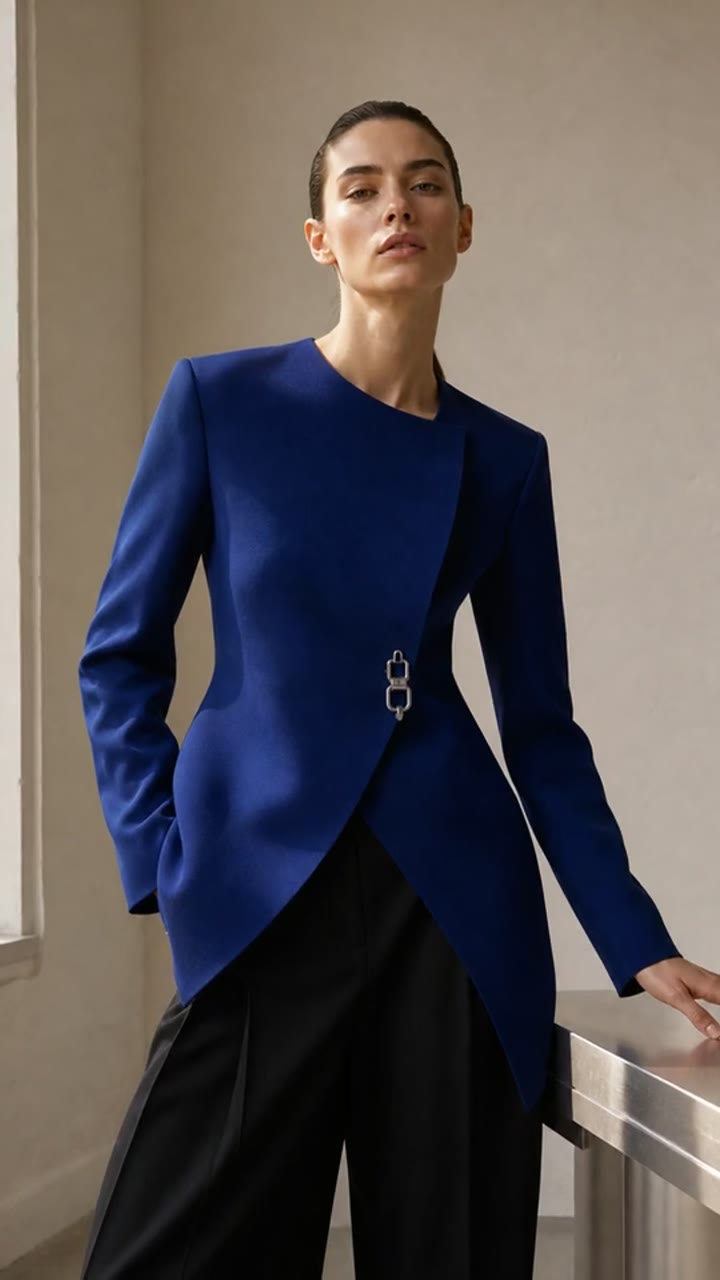
character look
01 · character look
motion reference
02 · motion reference
03 · camera path9:16
“Use the woman in the ivory suit and cobalt scarf. Carry the pose rhythm and camera work from the fashion reference into a clean studio scene.”
I’ll build a V3 / Omni reference job: one character image plus one motion video. You will see duration, mode and cost before launch.
01

Character

face, wardrobe, silhouette

02

Motion

pose, timing, camera

03

Review

estimate and approval
Three control layers

A scene starts with visible inputs

Kling is most useful when character look, action and camera come from different sources.

01image reference

Character

One or more images anchor face, wardrobe, object and visual language.

02motion reference
Motion

Motion

A video guides action, pace, pose and transitions. It is direction, not a frame-perfect guarantee.

03camera direction

Camera

A pan, fall, orbit or push-in is read from the reference and clarified in the scene plan.

Real Kling outputs

Two generations. Four distinct beats.

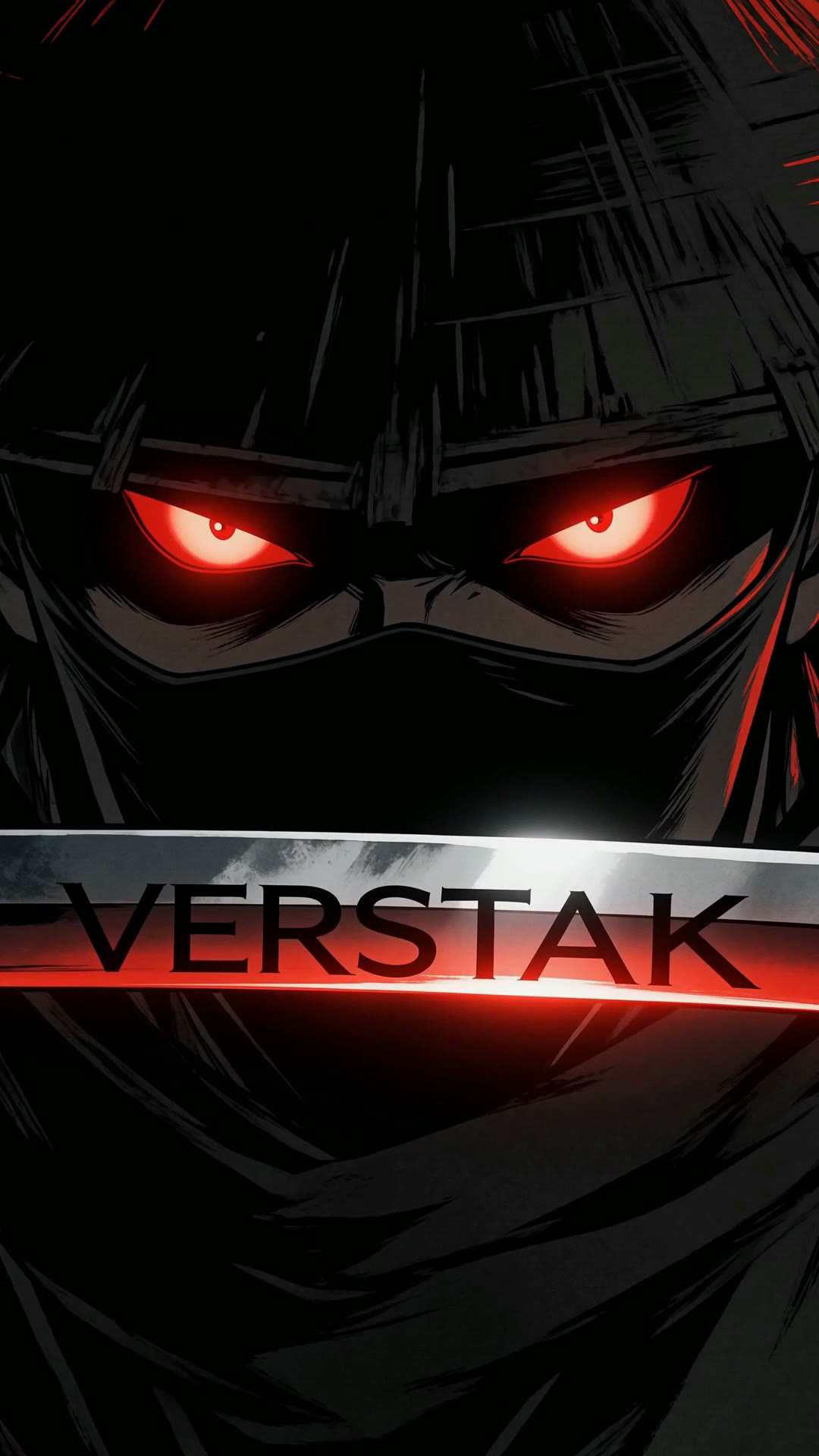
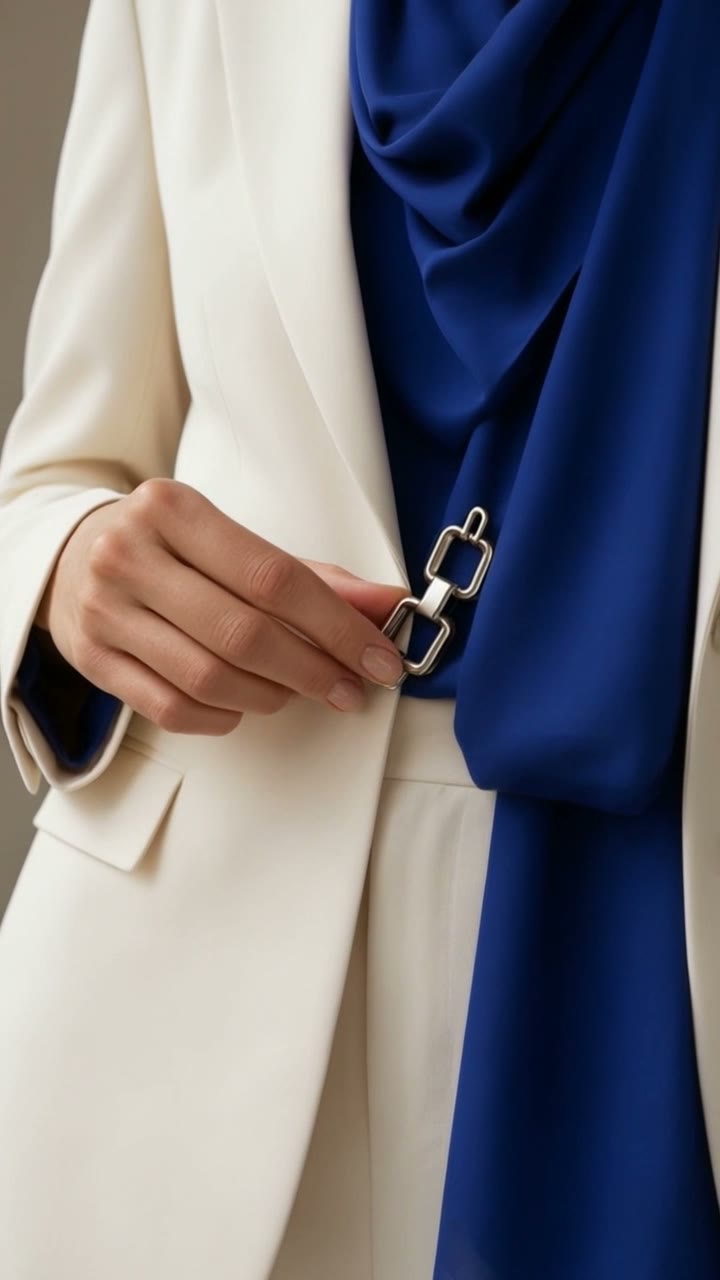
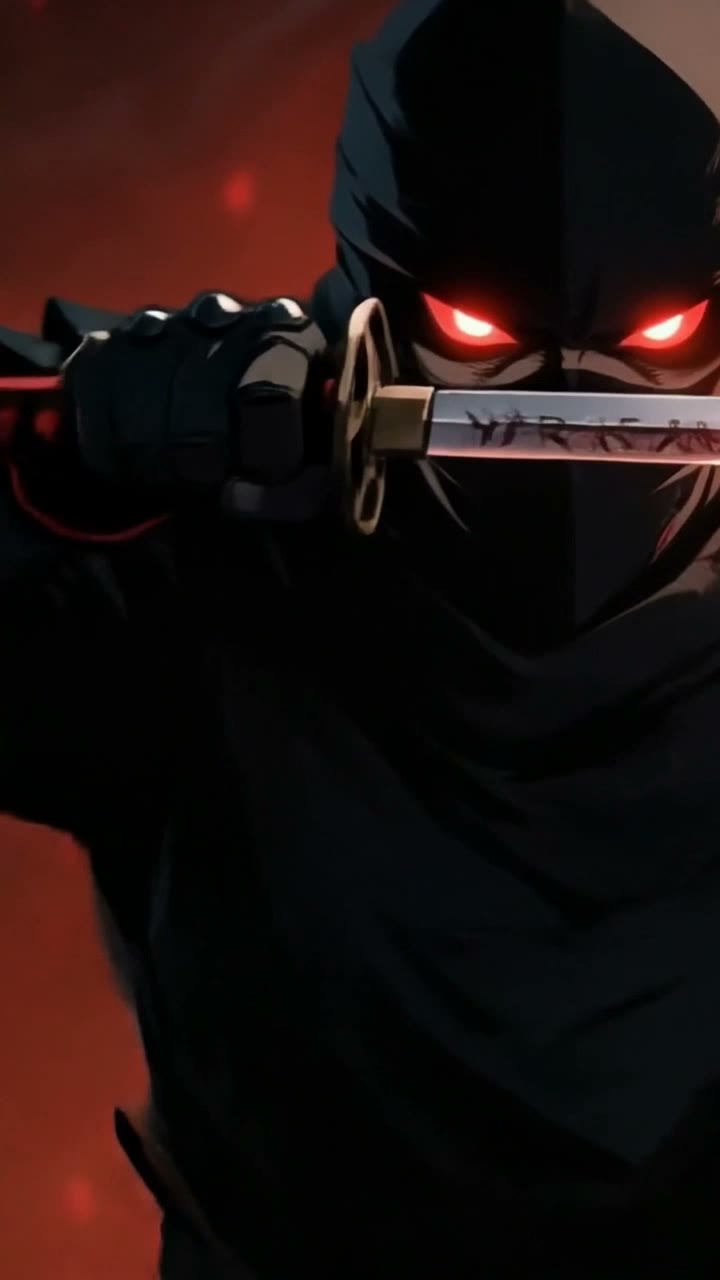
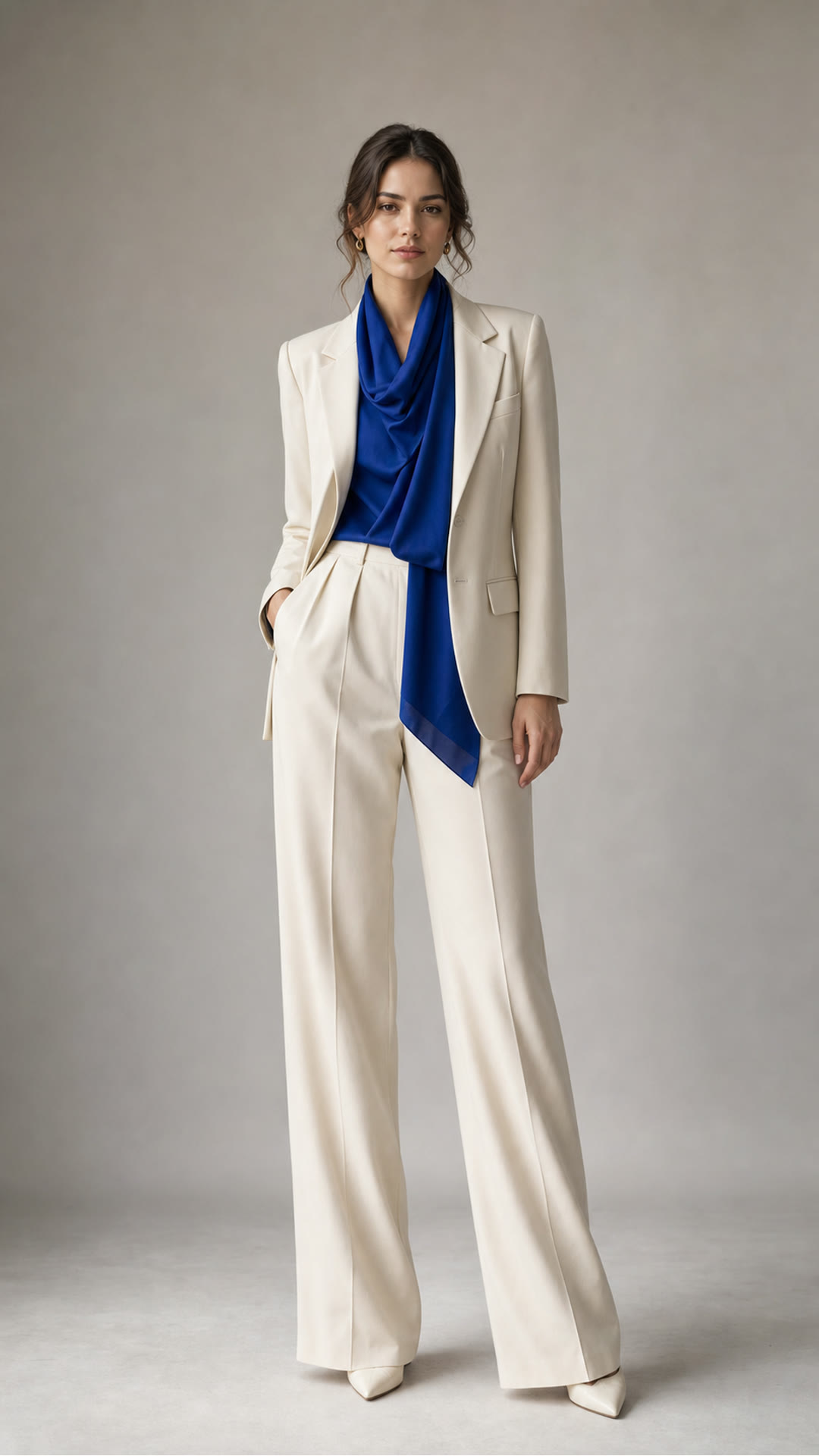
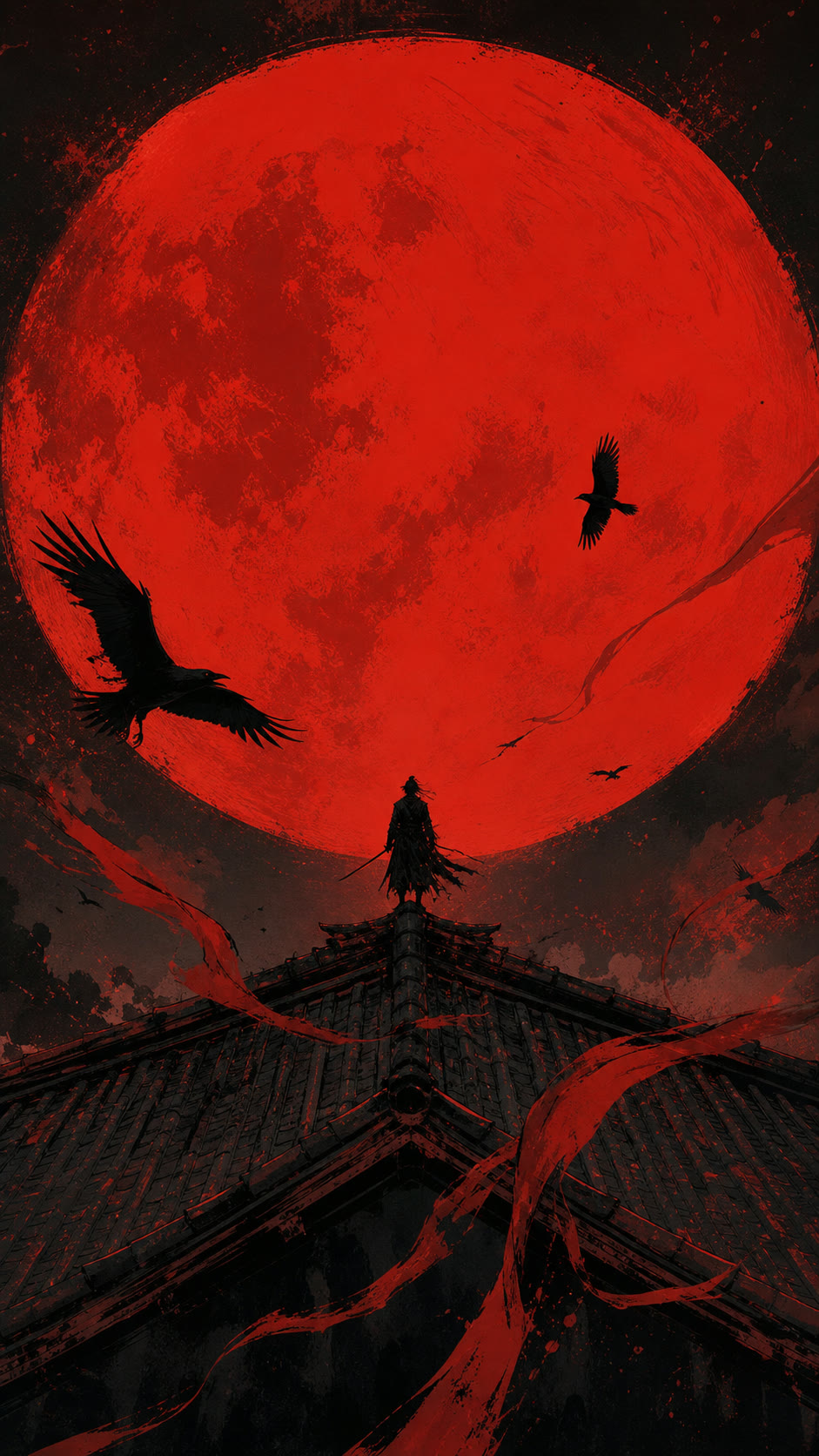
One run directs a fashion character and camera rhythm; the other stages a samurai scene from two visual anchors and a video reference. Every clip has its own poster and stored provenance.

Kling V3 / Omni

character + motion

Direct a hero in a fashion scene

The image defines appearance and wardrobe; the video guides pose, pace and camera.

Kling V3 / Omni

camera + detail

Hold the product in close-up

The push moves from the full look to fabric and fastening detail.

Kling V3 / Omni

images + video reference

Stage a scale reveal

The opening image and reference motion direct the growing shadow and reveal rhythm.

Kling V3 / Omni

camera push

Land on a close-up

A final visual anchor holds composition while the camera accelerates through depth.

Two V3 / Omni paths

Character direction and scene staging need different inputs

Both demos below were generated with V3 / Omni; Motion Control remains a separate model role and is not attributed to these clips.

01

V3 / Omni: character

One character + one motion video

Kling
  1. 01character image
  2. 02motion video
  3. 03addressed prompt

Use a video reference to guide pose, action and camera work for a new hero.

02

V3 / Omni: scene

Up to four images + one video reference

Kling
  1. 01scene images
  2. 02video reference
  3. 03addressed prompt

Use it when a scene has several visual anchors or elements while a video directs staging.

Reference-video duration follows the source clip. We do not promise arbitrary time stretching: for a longer Reel, the agent plans multiple clips and an edit.

Working roles

V3, O3 and 2.1 Pro are not three labels for one mode

Verstak selects by inputs and job, not by version hype.

01reference

Kling V3 / Omni

The main path for a video reference plus visual anchors: up to four visual references, 3–15 seconds and 720/1080 in Verstak.

Character, motion, camera and multi-look staging.

02generation

Kling O3

Independent generation with addressed references and optional audio. The current contract accepts up to seven inputs.

Complex scenes from multiple references without a Motion Control promise.

03image to video

Kling 2.1 Pro

A straightforward path from one approved frame to a short clip, without the newer Omni controls.

Animate a single approved frame.

Two ways to work

Delegate the scene or build the job manually

Both paths share one workspace, balance, gallery and version history.

01

Agent: the whole outcome

Describe the finished video and attach material. The agent separates character, motion and camera, suggests Kling and shows a plan.

  • Checks input compatibility
  • Estimates cost before generation
  • Continues into edit and publishing
Give the agent a task
02

Workshop: exact launch

Choose Kling, operation, duration, format, audio and references yourself.

  • Model settings without a hidden fallback
  • Visible image and video references
  • Every output becomes a new version
Open the workshop

After generation

A clip is one production step

Verstak preserves approved versions and turns them into a finished format.

01

Estimate first

Model, duration and tokens are visible before the costly operation.

02

One balance

Kling, images, voice and music use the same balance.

03

Versions stay intact

An approved clip and manual edits are not overwritten by the next variation.

04

Full cycle

The agent adds editing, voice, music, titles, Reel and a publishing pack.

Honest limits

References add control, not certainty

Important scenes still pass preview, approval and targeted reshoots.

01

Identity

Face and wardrobe may drift through sharp angles, occlusion or long motion.

02

Anatomy

Hands, human contact and complex poses need frame review.

03

Text

Small copy and logos are safer in the edit.

04

Physics

Collisions, fabric, liquid and fast objects can require another take.

05

Motion transfer

A motion reference directs staging but does not guarantee the same path in every frame.

Kling AI questions

01What is Kling AI?

It is Kuaishou’s video model family. In Verstak, Kling is a tool inside the agent and workshop, not a separate product.

02Can I use Kling in English?

Yes. Describe the task and revisions normally; the agent prepares the production instruction and settings.

03How do I create video from a photo?

Attach a character or scene frame and describe the action. Add a suitable video reference when exact motion matters.

04What is Kling Motion Control?

It combines one character image with one motion video to transfer action and camera work into a new scene.

05How is V3 / Omni different from O3?

In current Verstak, V3 / Omni is the reference-video path with several images; O3 is independent generation with more addressed references.

06When should I use Kling 2.1 Pro?

When one approved frame is enough and you do not need the newer Omni or Motion Control inputs.

07How much does Kling cost?

It depends on mode, duration, resolution and audio. The token estimate appears before launch.

08Does Kling guarantee the same face?

No. References improve consistency, but important identity, hands, wardrobe and details require review.

09Can the result become a finished Reel?

Yes. The agent continues with edit, voice, music, titles and a publishing pack.

10Do I need prompt skills?

No. State the goal and attach material; the agent separates character, action, camera and constraints.

Show the hero and motion. Let the agent build the scene.

Before launch, review the Kling mode, inputs, duration and estimated cost.

Early access · costly steps require approval

verstak

Welcome back

Sign in to continue

Forgot password?