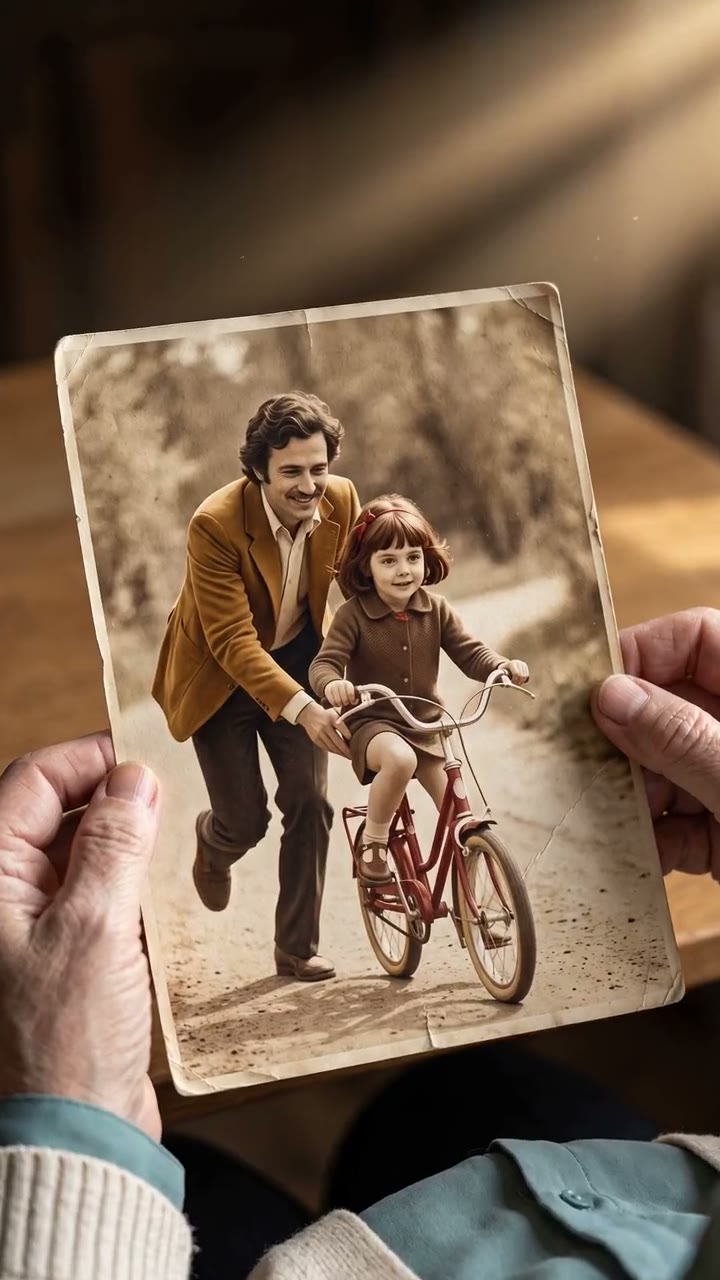
First frameJPG · included
Node-based AI workflows · early access
From one short video to fifty campaign variations. Verstak turns the brief into a working graph, estimates it and lets you control every step.
Agent-built graph · typed connections · estimate before run
The agent creates and validates the first version.
A node, branch, group or declared output.
Separate status and retry for every item.
Publish a safe form without exposing the canvas.
The agent is the starting point
No need to learn the node catalog before getting value. The agent uses the same validator, snapshots and runtime as the visual editor.
Inputs, output format, references and constraints become an explicit recipe.
Types, required fields and model capabilities are checked before anything is saved.
The run starts only after preflight, estimate and your approval.
I connected the image and motion brief to Seedance, declared the video output and saved an immutable agent snapshot.
The product, not a black box
Open the graph when precision matters: inspect inputs, swap a model, select an older result or run only one branch.

Source visualJPG · included
Square1080 × 1080 · cover
Portrait · 1080 × 13501080 × 1350 · cover
Story1080 × 1920 · cover
File 1:1ready output
File 4:5ready output
File 9:16ready output
Product interface demo · responsive canvas
A full production system
A serious workflow is not a pretty graph. It knows what to run, remembers every exact version and turns repeatable production into a reusable tool.
Test one node, build everything up to an output or run a whole group. Unrelated ready branches stay untouched.
Array or CSV becomes a bounded queue with per-item progress. Retry only failed items and keep every successful result.
Immutable snapshots preserve the graph, inputs and selected output. Restore creates a new draft instead of rewriting history.
Keep a model preset, node or connected group on your personal or workspace shelf. Drop it into a new graph with fresh safe keys.
Expose only safe inputs and one declared output. Teammates run a simple form while the immutable production logic stays hidden.
2 public fields · 4 internal settings hidden
Owner, editor and viewer permissions for the workspace, plus a pinned read-only link. A legal viewer can duplicate a clean copy.
Five workflows · product templates
The graph changes with the task; the production logic stays transparent.
3 formats
Prepare square, 4:5 and 9:16 outputs from one source without calling a model.
 Photo to video
Turn a photo into a five-second vertical clip with a controlled motion brief.
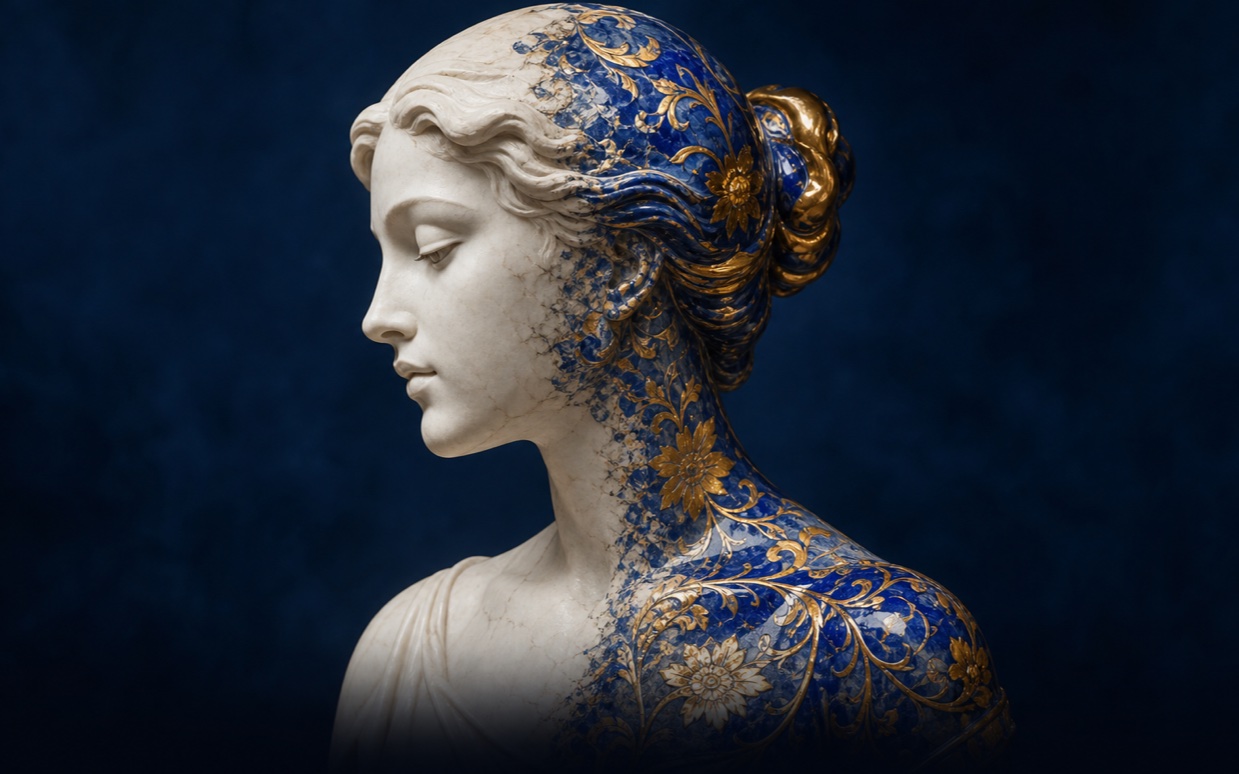 Style transfer
Apply the visual language of one reference to another image through a safe prompt contract.
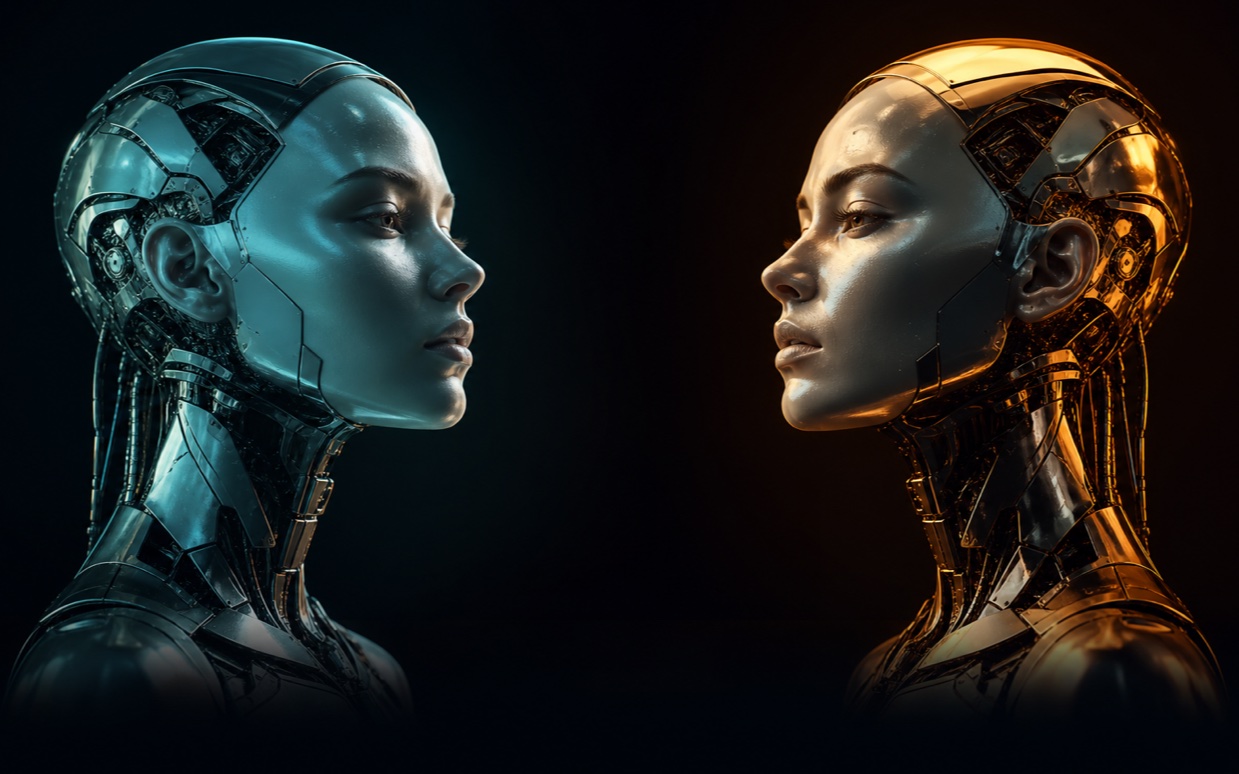 Compare models
Run one idea through the fast and Pro models, then compare both results side by side.
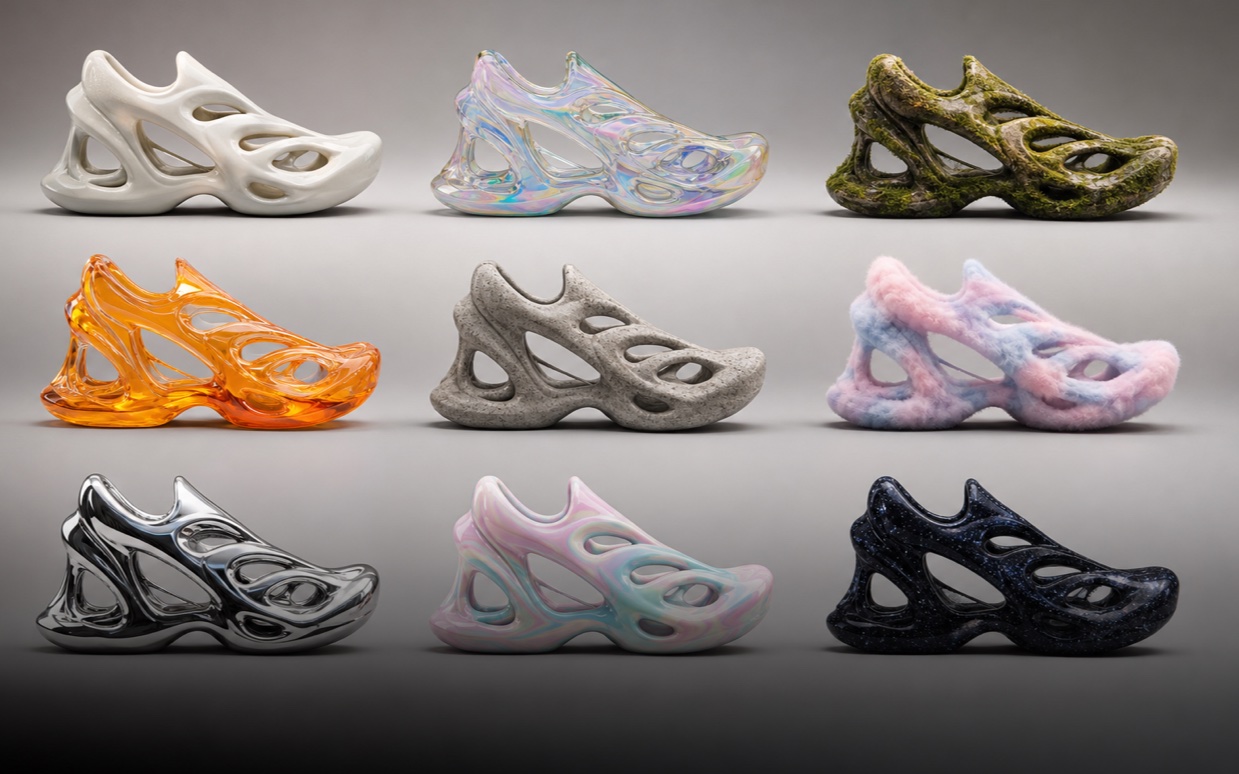 Batch
Batch
Turn a bounded list of text briefs into a reviewable gallery with per-item status and retry.
Built for real production
Every run is reproducible, every decision stays attached to the artifact.
Change a prompt, model or reference without paying for the finished parts again.
scene_03 · v5Pipeline, manual and AI-assisted edits live side by side with their origin.
v3 → HUMAN → v4See model, tokens, duration and cost before approval and after completion.
600 tokens · 03:47Approved before start
One canvas · the right model at every node
Switch a model in one node without rebuilding the production from scratch.
Image and references
↗Character motion
↗Controlled video
↗Video with native audio
↗Voice and dubbing
↗It is not a separate neural-network model. It is a visual way to connect inputs, AI models, transformations and outputs into one reusable graph that can be inspected, versioned and rerun.
A node is one explicit operation with typed inputs and outputs: for example a prompt, reference image, image model, video model, crop, iterator or final output. Compatible nodes connect into a production chain.
Place the models and media operations on the canvas, then connect compatible outputs and inputs. For example: brief → Nano Banana image → Seedance video → declared output. The agent can assemble and validate the first graph for you.
Weavy AI was a node-based creative platform that combined generative models and professional editing tools on one canvas. After its acquisition by Figma, the product became Figma Weave.
Verstak can be considered an alternative for controlled AI content production, but it is not a copy of Weavy or Figma Weave. It offers a Russian-language agent, node-based image and video workflows, branch runs, batches, versions and workflow publication as a tool.
Figma Weave is centered on an open creative canvas and professional editing. Verstak is agent-first: the agent designs the graph, while the product adds estimates, exact run history, bounded batches and reusable published tools for repeatable content production.
A generator produces one result from one request. A workflow preserves the entire production recipe, passes artifacts between steps and lets you rerun only the part that changed.
You can build image, short-video, voice and assembly pipelines: create visuals from an idea, edit images, compare models, turn a photo into video, continue a scene, assemble clips or generate a bounded batch.
The current product surface includes Nano Banana for images, Seedance, Kling and Veo for video, and ElevenLabs for voice. Model availability and estimate are shown before a run.
Yes. Use the built-in photo-to-video template or ask the agent to assemble it. Add the first frame, describe the motion, choose a video model and declare the final video output.
Yes. An array or CSV can run as a bounded batch with per-item status, controlled parallelism, a result gallery and retry for failed items only.
Yes. The starter library includes image creation and editing, three-format adaptation, style transfer, model comparison, photo-to-video, scene continuation, clip assembly and batch variations.
Yes. Workspace access supports owner, editor and viewer roles. You can also publish a pinned read-only version by link or let an authorized user duplicate a clean copy.
No. Describe the result in chat and the agent assembles a workflow. Open the canvas only when you want to inspect or change the production logic.
Yes. Select a node, create a new version and rerun only its dependent branch. Approved artifacts remain untouched.
Yes. The page uses real image and video outputs from the same model stack available in Verstak. The canvas is an interface demonstration of the product workflow.
Yes. Verstak shows the model plan and estimate before the run, then records actual cost for every stage.
Idea → workflow → result
Describe the result. Verstak will assemble the first production graph and show the estimate.
Get early accessEarly access is opened in order through the Telegram bot.