
Frames
exact start and finish
Scene
5 sec · 9:16 · audio
Gate
plan and cost first
Seedance 2.0 in Verstak
Motion, camera and sound stay one task.
Seedance creates video from text, frames and reference footage. The agent turns the idea into a controlled plan, shows inputs, model and cost, launches after approval and carries the result into a usable format.
01 · Frames
02 · Scene
03 · Gate
Frames
exact start and finish
Scene
5 sec · 9:16 · audio
Gate
plan and cost first
Ways to direct
Use the control that matches the job. The agent does not blur strict keyframes and loose references into one promise.
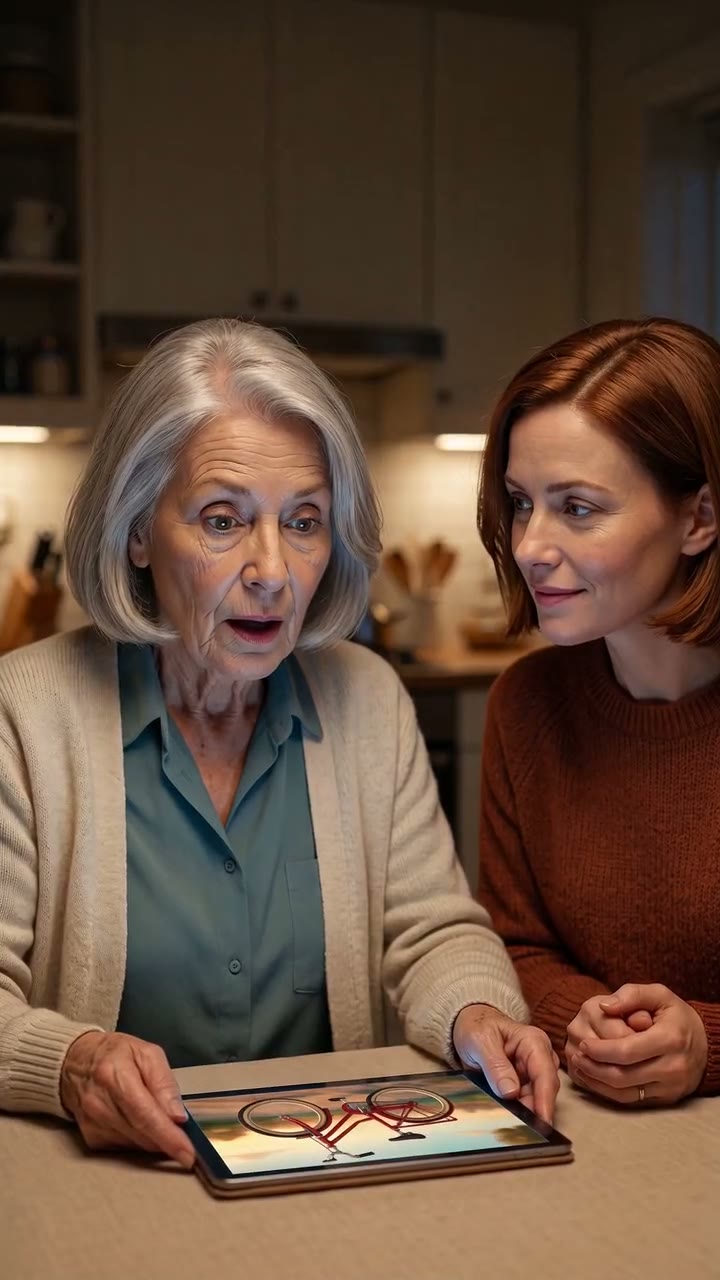
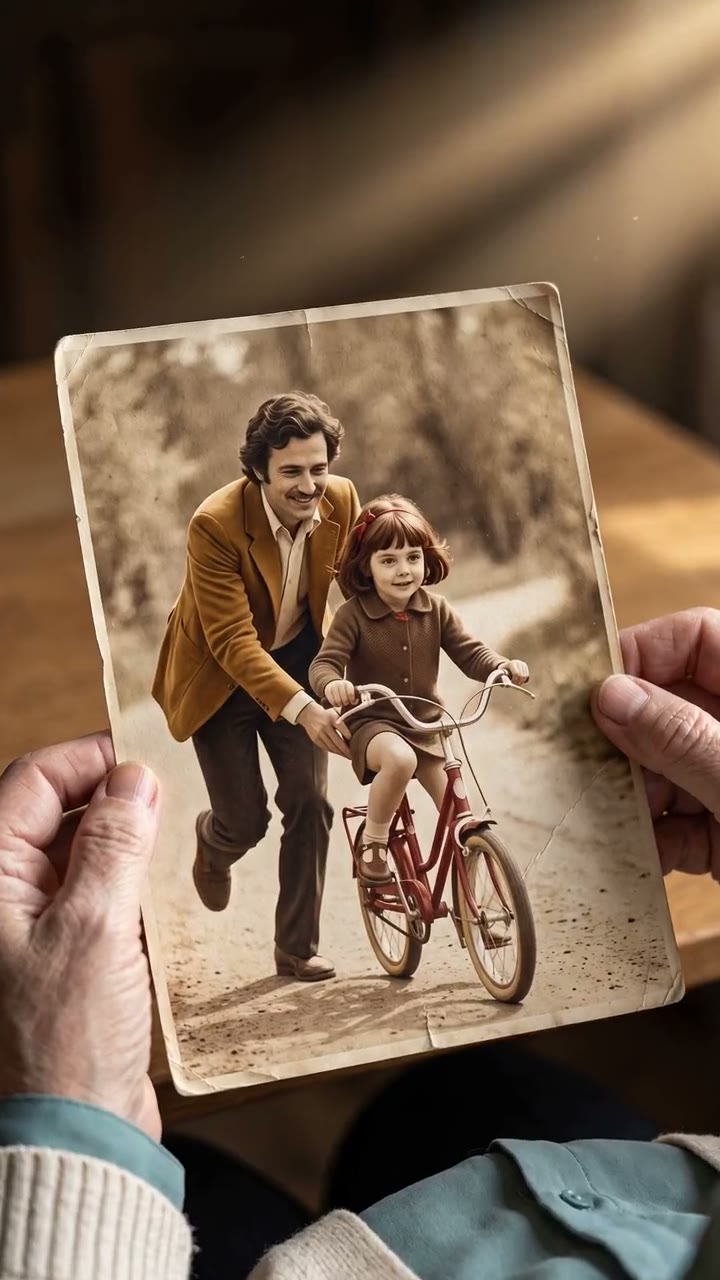
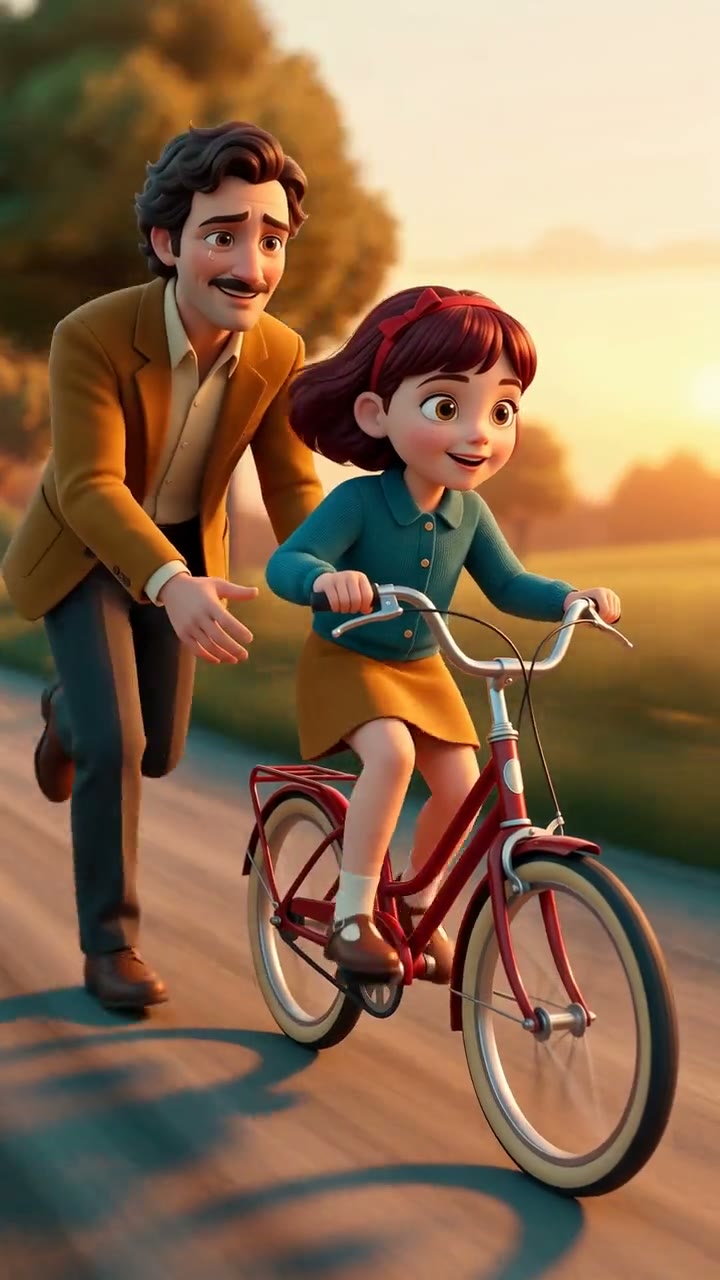
“Animate this old photograph: move through the paper, let the girl ride the bicycle and have her father release the seat. Preserve the characters and add natural sound.”
Describe action, light, camera and sound when the idea matters more than an exact source identity.
01
5 secProvide the first frame so motion begins from an approved composition and character.
01
02Lock the beginning and ending while the model builds one continuous action between them.
▶Borrow motion, pacing or camera language while supplying character and style separately.
Actual model output
An archival photograph, reference-driven flight, character replacement and a directed camera move. These are real outputs from our Seedance 2.0 studio.
frame → scene · 5 sec
Exact first and last frames connect the physical print with the living memory.
video-ref · 6 sec
The video reference supplies the fall, flight and camera while a separate asset supplies the character.
character + video-ref · 10 sec
A character image is combined with the source trend’s rhythm, actions and camera.
keyframes · 5 sec
Hands, props and a camera arc move together without a cut.
Full workflow
Verstak keeps the production around Seedance together, from inputs and approval to a scene revision and publishing pack.
goal and format
frames and references
scenes and continuity
tokens before launch
directed clips
sound, titles, rhythm
Reel or video pack
Approve, reject or reshoot one important scene without buying already accepted clips again.
Two modes
Both paths share one account, balance, gallery and version history.
Describe the result and attach material. The agent selects a tier, breaks the work into scenes and shows the plan before an expensive step.
Choose Seedance 2.0, aspect, duration, resolution, audio and available references yourself.
Choose a tier
If you do not want to compare tiers, the agent selects them for the stage and budget.
The most economical way to test an idea, motion and composition.
Quick options before direction approval.
A quality-cost balance for working takes and motion exploration.
Intermediate scenes and directing changes.
The full tier for important scenes, high resolution and strict frame links.
Approved clips and final assets.
Why Verstak
Video stays a controlled job instead of a lottery of disconnected prompts.
Use Seedance, image, voice and music tools without separate model subscriptions.
See tier, duration and token estimate before approving an expensive generation.
Accepted clips and manual work remain; a new attempt creates a new version.
The agent edits scenes into a Reel, manages sound and prepares a publishing pack.
It is ByteDance’s video model for generation from text, images and multimodal references. Verstak exposes it through the agent and manual workshop.
Yes. Describe the task and revisions normally; the agent prepares the production instruction for the model.
Attach the photo as a first frame and describe the action. Add a separate last frame when the ending must be controlled.
A video reference can guide motion, rhythm or camera language. The output is not a frame-by-frame copy and still needs review.
Seedance 2.0 can generate native audio. Verstak can request it for a clip or build more controlled voice, music and titles as separate steps.
Mini is for economical drafts, Fast for iteration and Standard for final scenes and high resolution. Available settings are shown before launch.
Cost depends on tier, duration and resolution. Verstak shows a token estimate before launch.
Yes. Seedance makes scenes while the agent connects them to a hook, storyboard, edit, sound and delivery format.
No. References improve control, but important identity, motion and details need review. A weak scene can be reshot separately.
State the timed action, subjects, camera, light, sound and constraints. The agent can turn a plain-language brief into the production prompt.
Add an image or video reference and review the plan, model and estimate before Seedance runs.
Early access · important spend requires approval