verstak

Nano Banana in Verstak

Nano Banana 2Nano Banana Pro

An image that survives the next revision

Do not restart at every iteration.

Nano Banana creates and edits images from text and references. The Verstak agent keeps the whole task together: it chooses the model version, builds the prompt and applies chat revisions.

verstakexample · agent
“Build a product series for this glass carafe. Keep one visual language. Add ice in frame two without changing the object shape.”
I’ll use Nano Banana Pro for consistency. I’ll prepare five connected frames and show the estimated cost first.
01

Reference

shape and material

02

Series

5 connected frames

03

Control

review before launch
What it can do

More than “generate an image”

Practical jobs where control, consistency and fast revisions matter.

01AI product photography

Product listings

Create multiple views, preserve product shape and adapt the background for a marketplace.

02AI ad creative generation

Advertising creatives

Turn one direction into formats for feeds, stories, banners and covers.

03consistent image generation

A consistent series

Keep palette, composition and a subject coherent across connected frames.

04AI image editing

Text-guided editing

Replace an object, background or detail without rebuilding a strong image.

Outputs

Different briefs. One controlled workflow.

A glass series from the Verstak showcase and demonstration cases created in Nano Banana from separate art-direction briefs.

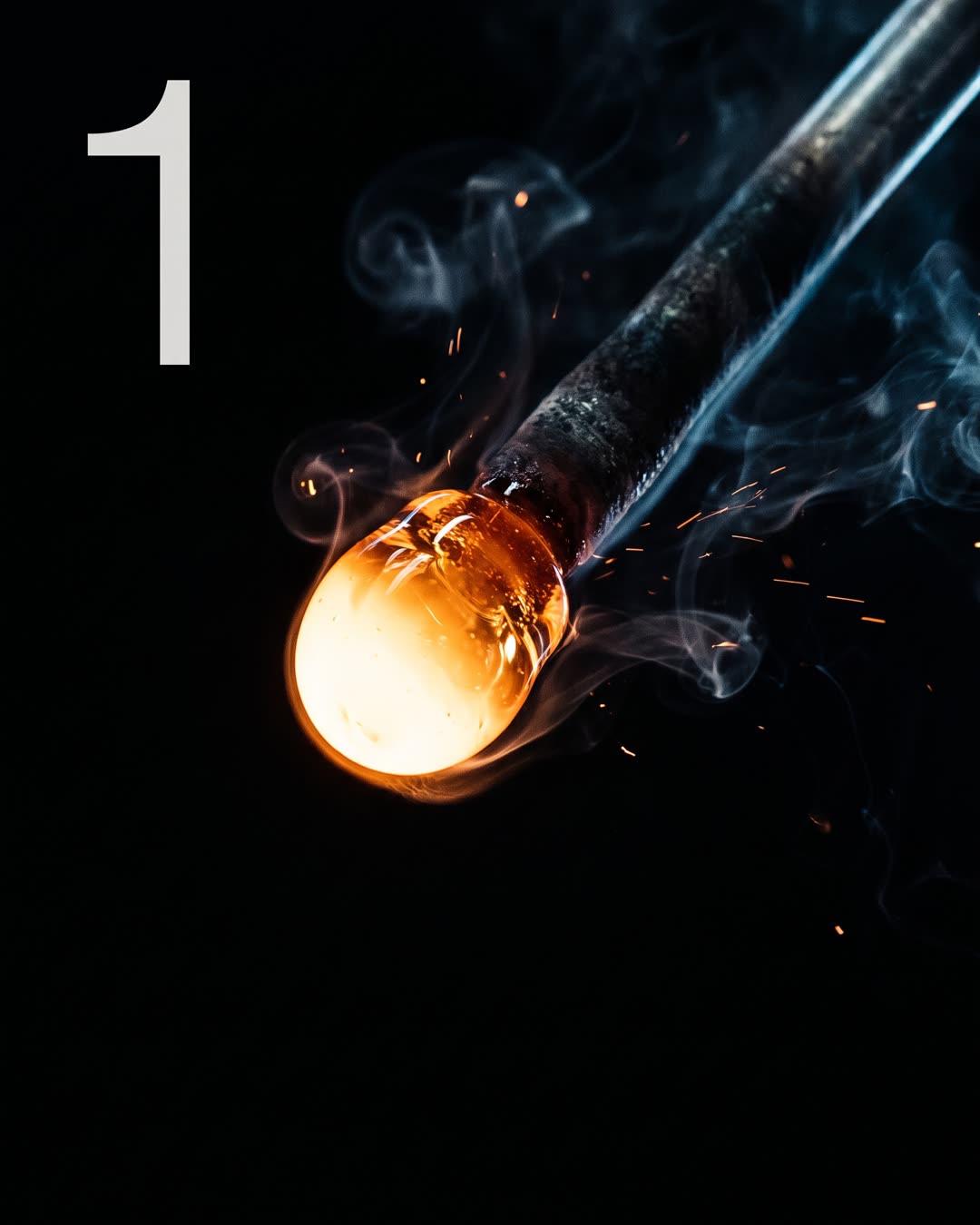
Product cover featuring a glass carafe created with Nano Banana Pro

Real example · cover

A strong opening frame

Composition and material define the foundation for the series.

Alternative glass product frame in the same visual series

Real example · series

A new angle without style drift

The scene changes while the original direction remains recognisable.

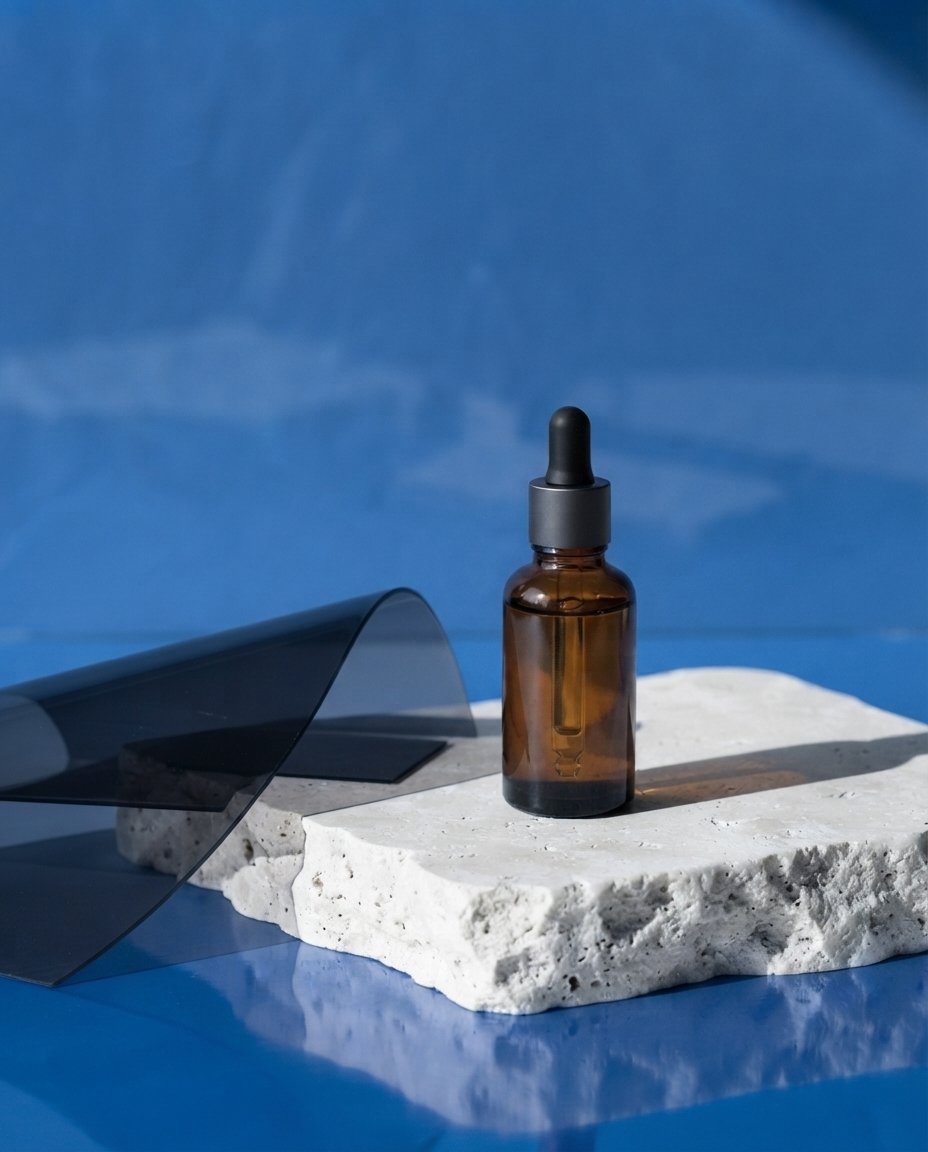
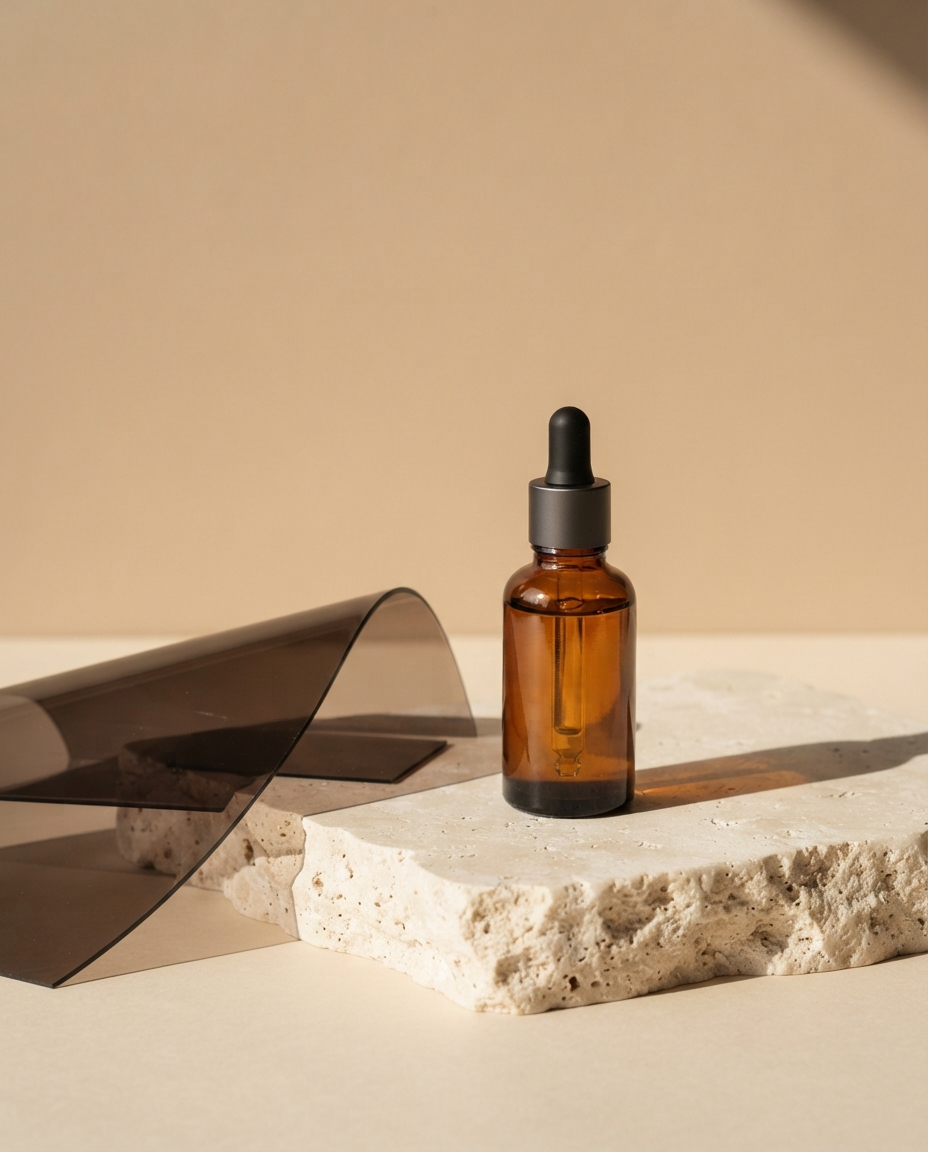
Demonstration beauty creative with an amber serum bottle on travertine

Demo · product

Beauty without stock-photo gloss

Tactile materials, directed light and an editorial composition.

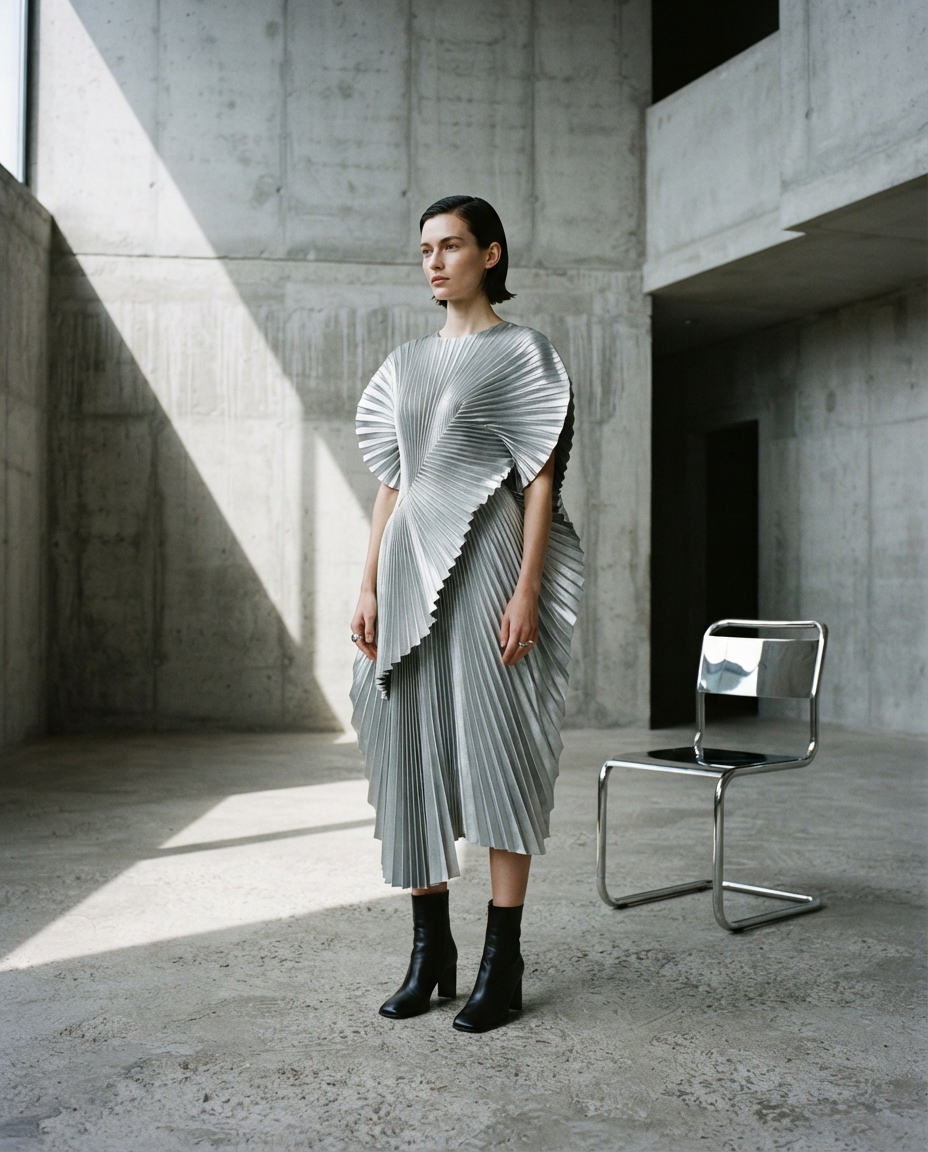
Demonstration fashion frame with a silver dress in a brutalist gallery

Demo · fashion

Campaign art direction

A complex look, fabric texture and architectural light in one frame.

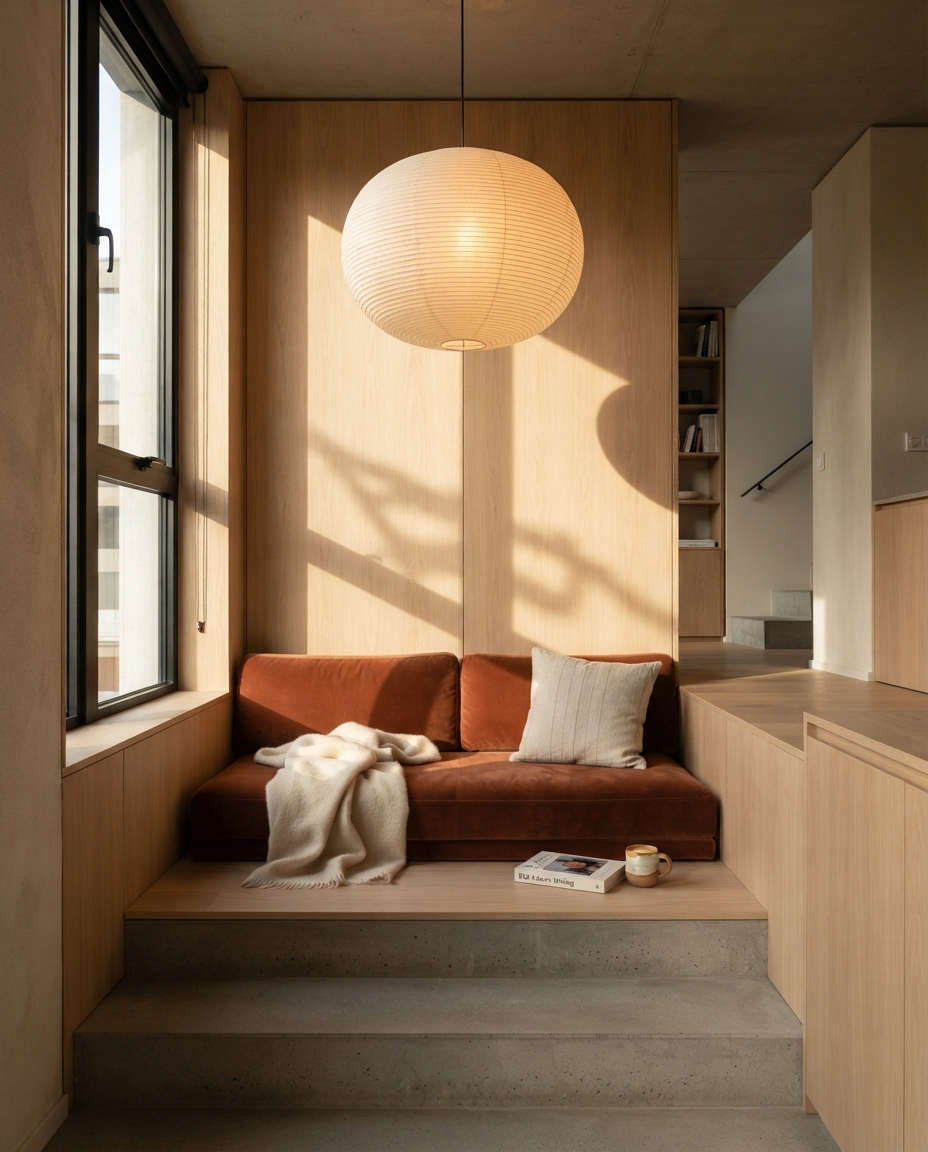
Demonstration interior with a warm contemporary reading corner

Demo · interior

An interior with character

Light, material and lived-in detail without visual noise.

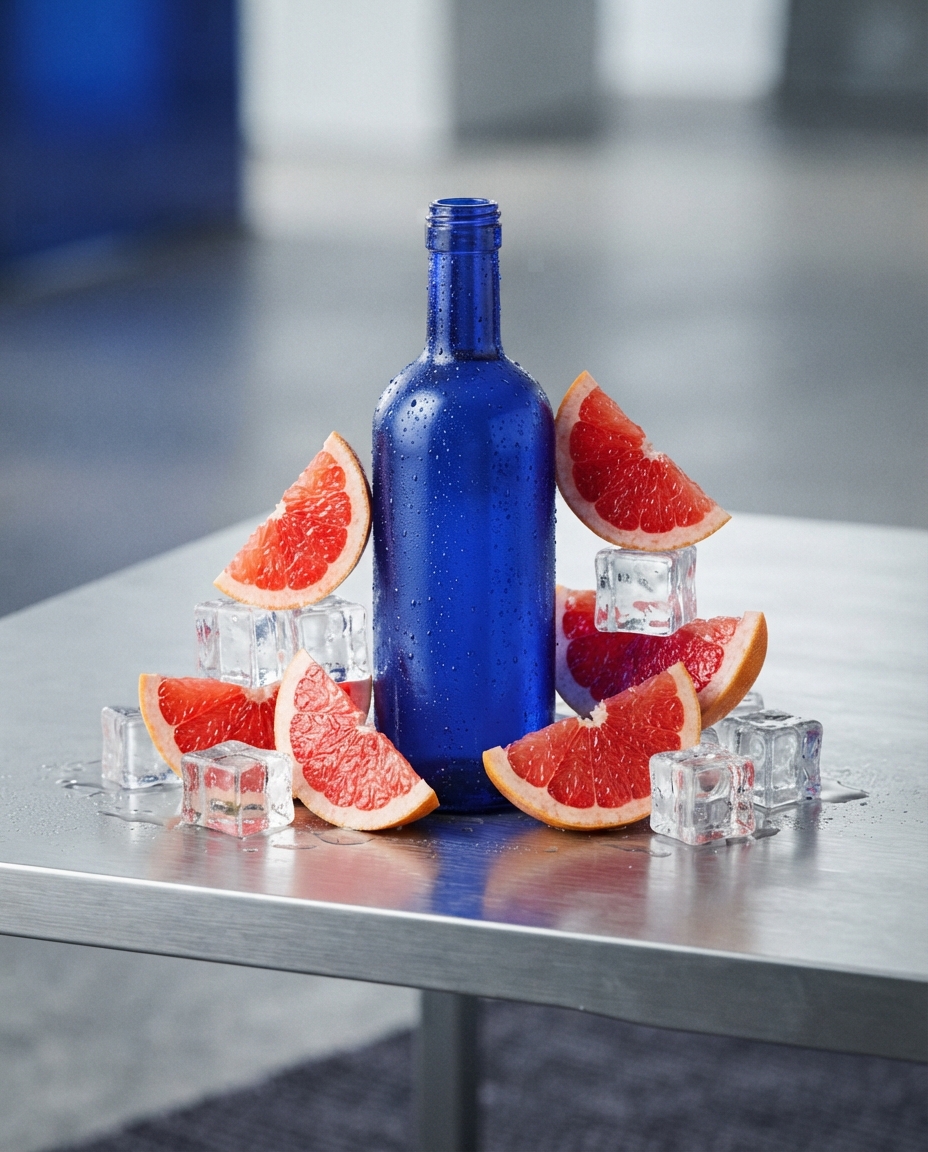
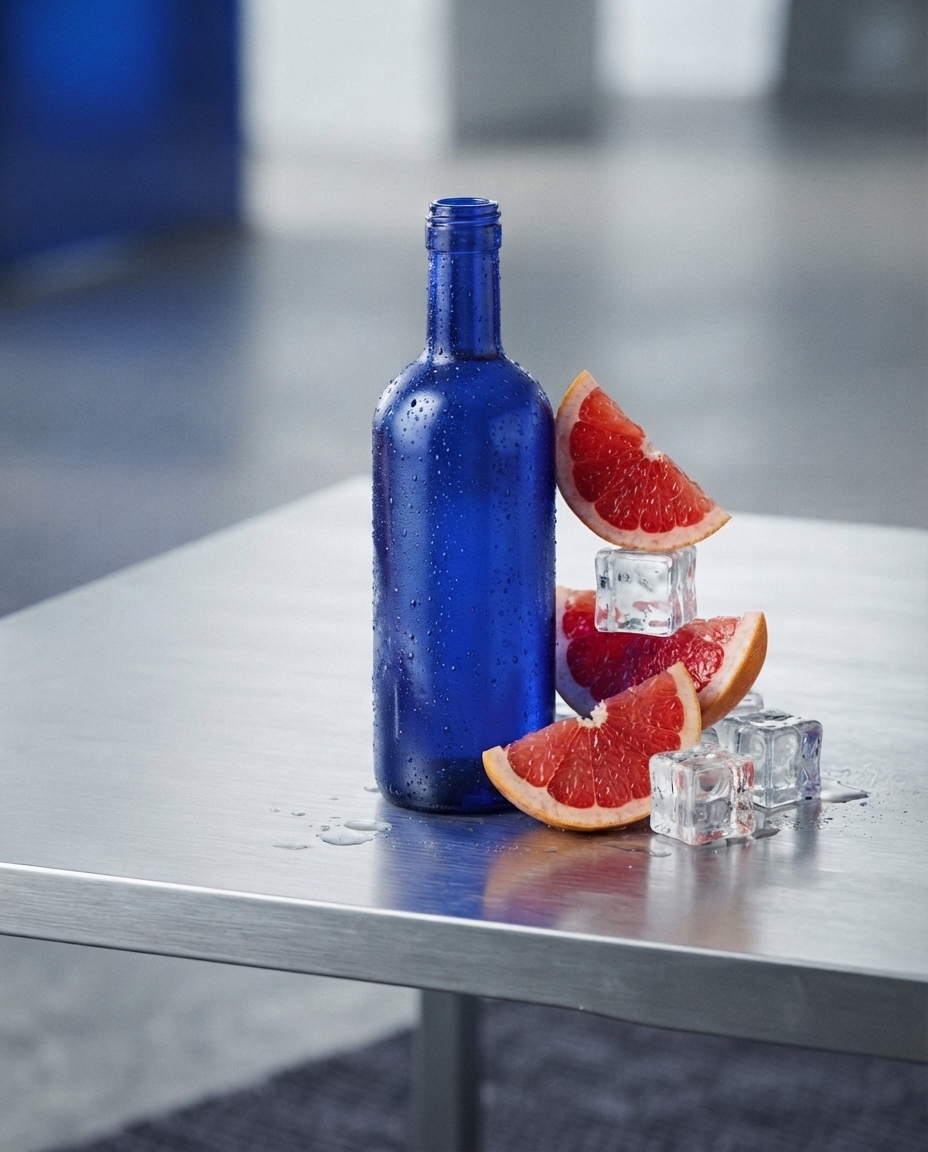
Demonstration advertising frame with citrus, ice and a cobalt bottle

Demo · key visual

An ad frame without a logo

Graphic composition, colour contrast and campaign-ready texture.

Reference-led editing

Not only generate. Keep what matters and change what does not.

Each pair starts with a finished image. Nano Banana receives the source and a short edit instruction while preserving the product, viewpoint or interior.

Amber serum bottle on a warm backdrop before editing Before After The same amber bottle in a cool cobalt scene after editing

edit · 01

Change the setting, keep the product

“Keep the bottle, camera angle and stone. Change only the backdrop and light to a cool cobalt direction.”

The product and composition remain recognisable while the campaign art direction changes.

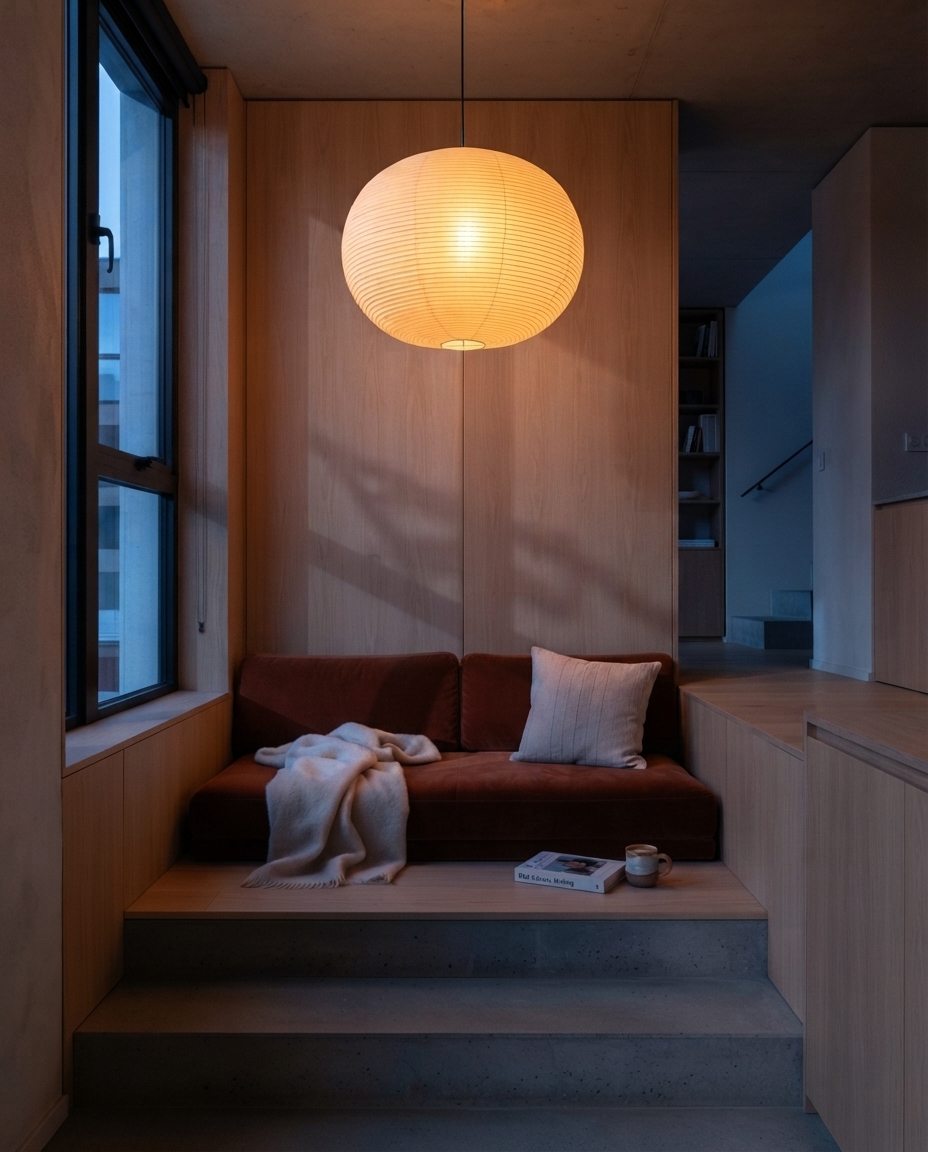
Reading corner in daylight before editing Before After The same reading corner at blue hour after editing

edit · 02

Change the time without rearranging

“Do not move furniture or alter the architecture. Make it blue hour and turn on the warm pendant.”

The room stays intact while its lighting story changes.

Citrus advertising composition before editing Before After The same composition with clean negative space after editing

edit · 03

Create room for future copy

“Keep the bottle and materials. Remove the citrus on the left and extend the clean steel surface.”

Nano Banana removes selected objects and reconstructs the background without inventing a headline or logo.

Chat revisions

“Make the glass cooler” is already an instruction

No need to rewrite a long prompt. The agent keeps result context and turns a short request into a controlled new version.

Keep the composition. Cool down the glass, remove the extra highlight and add more negative space on the left.
Got it. I’ll lock the carafe shape and framing, changing only light, highlight and negative space.
Initial outputv1
Agent revisionv2
Selected versionv3

Two modes

Message the agent or open the manual workshop

The same model flow works for fast delegation and detailed control.

01 · agent

Agent: describe the task normally

State the goal, format and constraints. The agent selects Nano Banana 2 or Pro, prepares the prompt and guides iterations.

  • Reads references and context
  • Shows a plan before launch
  • Accepts short revision requests
Give the agent a task
02 · manual

Workshop: keep settings under control

Choose the model version, upload images and control generation directly in the interface.

  • Model and format selection
  • References and instruction
  • Result and version history
Open workshop

Why Verstak

A strong model with a calm workflow

Everything around generation turns a standalone frame into a usable asset.

01

One balance

Use the Verstak balance instead of managing a separate model subscription.

02

Cost before launch

The agent shows an estimate rather than promising a fictional fixed price.

03

Workspace history

References, versions and revisions stay together in a private workspace.

04

Current versions

One stable family page, with Nano Banana 2 or Pro available inside.

Nano Banana questions

01What is Nano Banana?

It is a family of models for creating and editing images from text and visual references. Verstak offers Nano Banana 2 and Pro.

02How do Nano Banana 2 and Pro differ?

The choice depends on scene complexity, references and consistency needs. The agent shows the selected version before launch.

03Can it edit an existing image?

Yes. Upload the source and explain what should change and what must stay fixed.

04Does it work for product listings?

Yes, especially for connected views, controlled backgrounds and a consistent visual style. Review important details before publishing.

05Do I need an advanced prompt?

No. The agent translates a normal description and short revisions into model instructions.

06How is generation billed?

The exact cost depends on the version and settings and is shown before launch.

07How do I use Nano Banana online?

Open the agent and describe the task in plain language, or use the manual workshop to choose the version, format and references yourself.

08Which prompts work best for Nano Banana?

Describe the goal, visual style and details that must stay fixed. The agent can clarify the brief and turn it into model instructions.

09Can I use image references?

Yes. Add one or more reference images and explain which composition, object or style should remain consistent.

10Can I use both the agent and manual controls?

Yes. Start with a conversational task or open the workshop and control the model settings directly.

Give the task. Skip the prompt writing.

Describe the output and attach a reference. The agent will propose a Nano Banana plan.

See the plan and estimate before launch

verstak

Welcome back

Sign in to continue

Forgot password?